
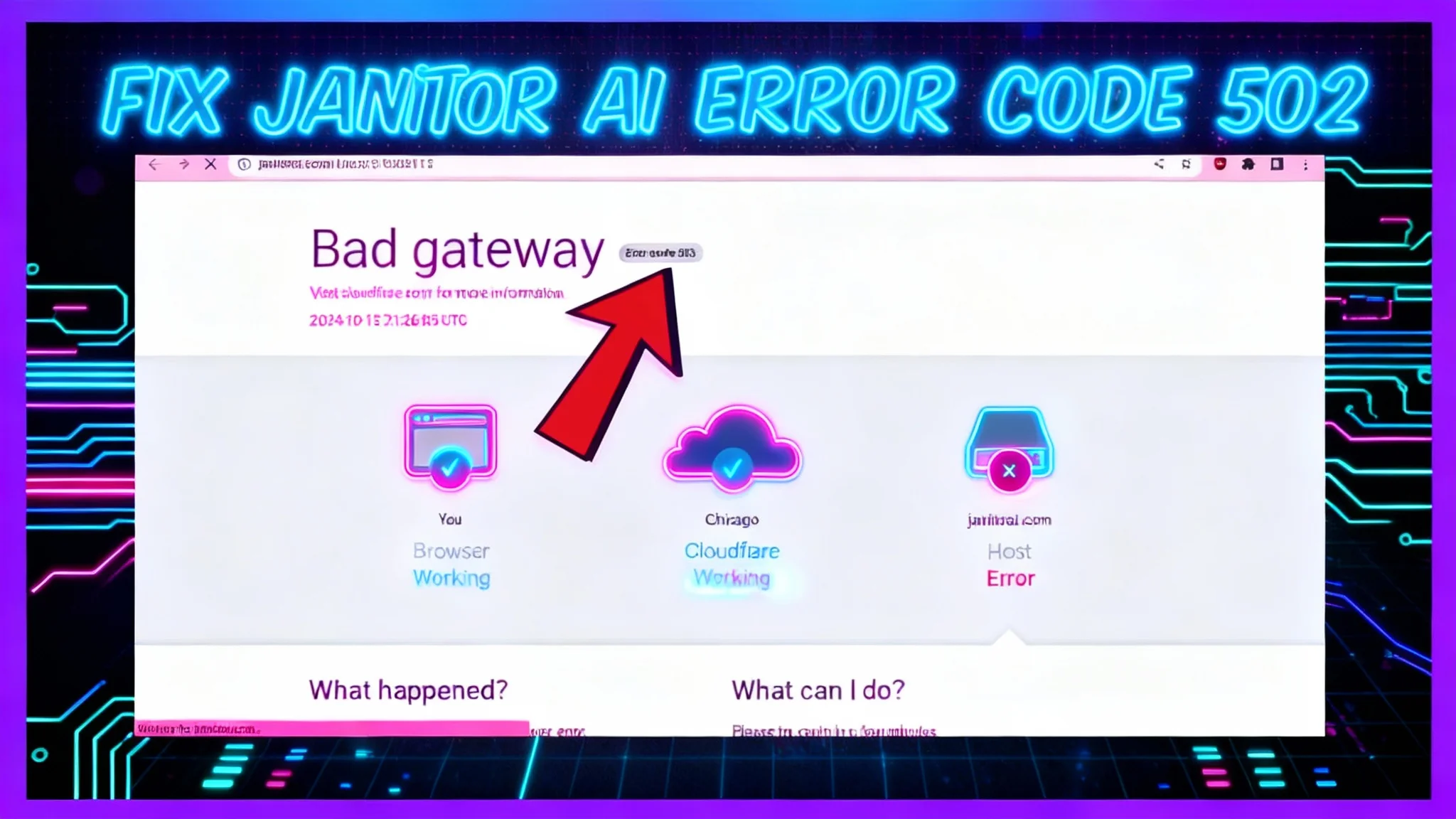
How to Fix Janitor AI Error Code 502 (Bad Gateway)
Getting Error Code 502 on the Janitor AI site usually points to a temporary issue. Follow the steps below in order to quickly rule out local causes and confirm if it’s a server-side outage.
Janitor AI Error Code 502 Description
A 502 Bad Gateway means a server in the chain returned an invalid response. For Janitor AI, this commonly happens when their servers are down or overloaded.
In some cases, local factors such as browser quirks or VPN/proxy settings can interfere (especially with services protected by Cloudflare). Work through the steps in order.
Janitor AI Error Code 502 Solution Steps
1) Reload the Page
A simple refresh fixes most transient 502 errors.
- Press Ctrl + R (Windows/Linux) or Cmd + R (macOS) to reload.
- Perform a hard refresh to bypass cached assets:
- Windows/Linux: Ctrl + F5
- macOS (most browsers): Shift + Cmd + R
If the error clears, you’re done.
2) Try a Different Browser or Device
Rule out browser-specific problems quickly.
- Open the Janitor AI site in another browser (e.g., Chrome, Firefox, Edge, Safari).
- Test in a private/incognito window to avoid extensions and cached data.
- If available, try another device (phone, tablet, or another computer).
If it works elsewhere, your original browser may have a caching or extension conflict. Continue using the working setup for now and revisit your primary browser later.
3) Disable VPN or Proxy
VPNs or proxies can trigger 502 errors by conflicting with anti-abuse systems or routing.
- Turn off your VPN app and reconnect your network.
- Disable system proxy settings:
- Windows: Settings > Network & Internet > Proxy > Turn off “Use a proxy server”.
- macOS: System Settings > Network > [Your Network] > Details > Proxies > Uncheck any enabled proxies.
- If your router or workplace enforces a proxy, switch to a different network (e.g., mobile hotspot) to test.
After disabling, reload the site to check if the error is gone.
4) Wait and Try Again Later (Server-Side Outage)
If you still see 502, the Janitor AI servers are likely down or under heavy load.
- Wait and try again later, typically after 3–4 hours.
- Avoid repeated rapid refreshes; it won’t speed recovery and may add load.
During this time, there’s nothing else to fix on your end. The issue should resolve once the servers stabilize.
Additional Tips
- Check a status page or official social channels for outage notes, if available.
- If you must retry periodically, space attempts by 10–15 minutes.
- When it comes back up, note the time of recovery for your records or internal reporting.
Conclusion
A 502 on Janitor AI is usually temporary. Start with a reload, then test another browser or device, disable any VPN/proxy, and finally wait if it’s a server outage. Following these steps in order helps you confirm the cause and get back online with minimal delay.
Subscribe to our newsletter
Get the latest updates and articles directly in your inbox.

Related Posts

8 Best Claude Code Plugins in 2026 (You Need to Know)
8 Best Claude Code Plugins in 2026 (You Need to Know)

7 Best Claude Code Skills (You Need to Know)
7 Best Claude Code Skills (You Need to Know)

Claude Code Desktop IDE Features (You Need to Know)
Claude Code Desktop IDE Features (You Need to Know)